
The re:bug integration guide for Jira Admins:
Get your team started
Empower your design, development, and QA teams with next-generation bug reporting.
Not a Jira admin?
Tap the button below and send this link to your Jira admin
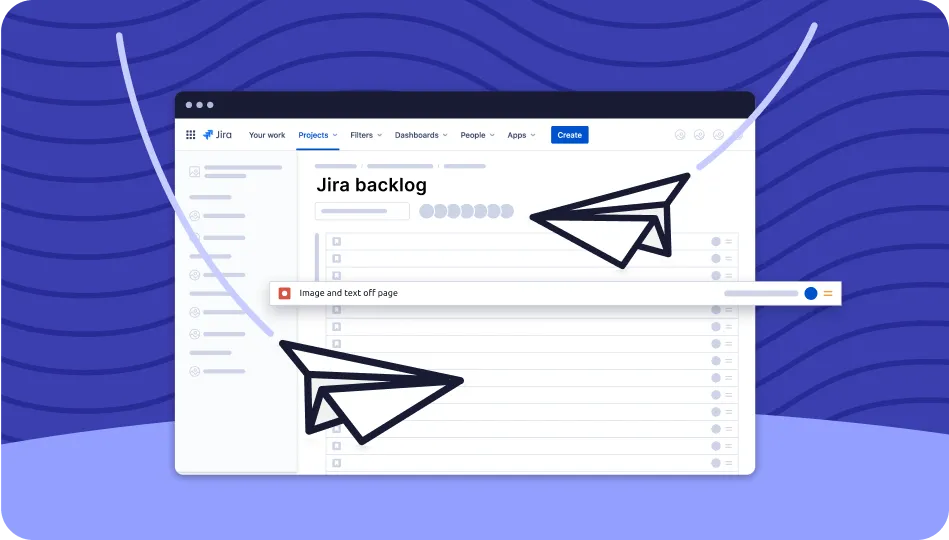
-
Step 1: Try re:bug for free through the Atlassian marketplace
Take re:bug for a Test Drive:
Try {re:bug} for free
1) Visit the Atlassian Marketplace
2) Log into your Jira account
3) Hit "Try it free"
-
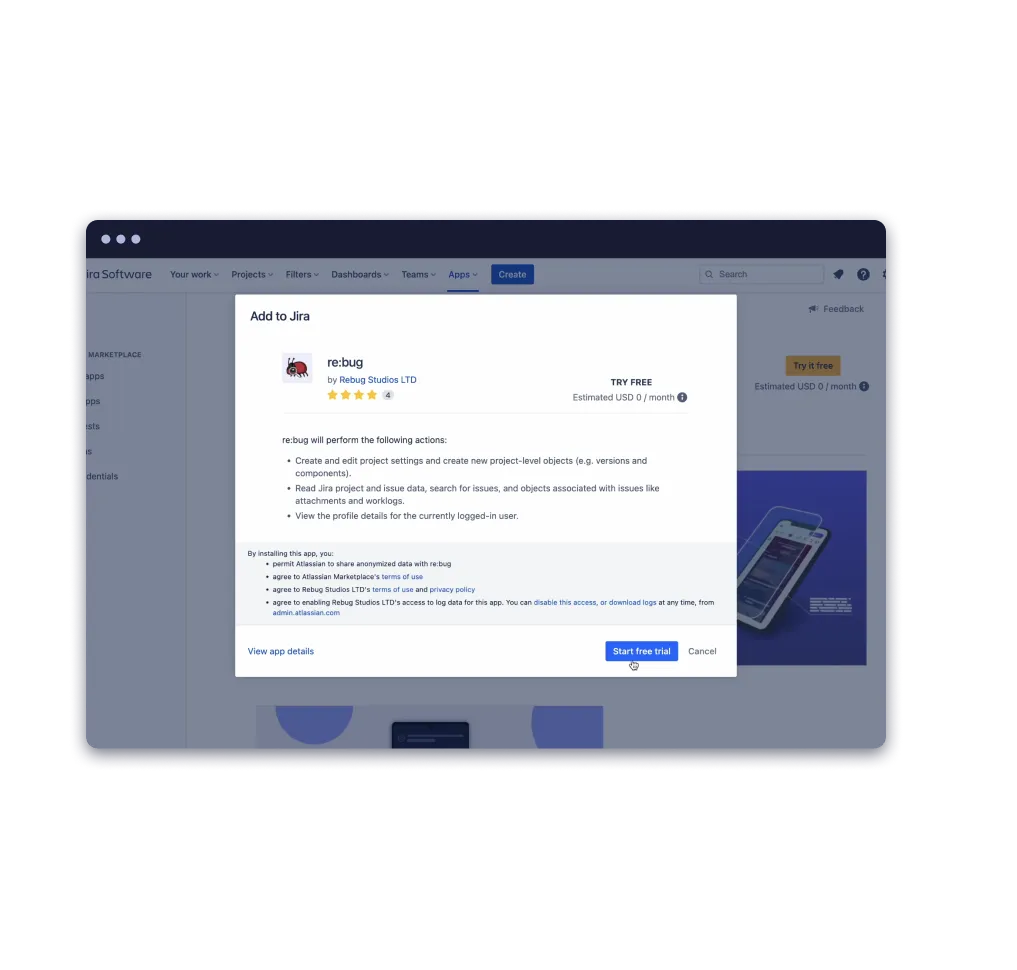
Step 2: Start the re:bug 30 day free trial for your workspace
You can do this directly from the Atlassian Marketplace.
-
Step 3: Find re:bug in your apps menu on Jira and tap ‘Allow access’
1) Locate re:bug in your 'Apps' on Jira
2) And tap 'Allow Access'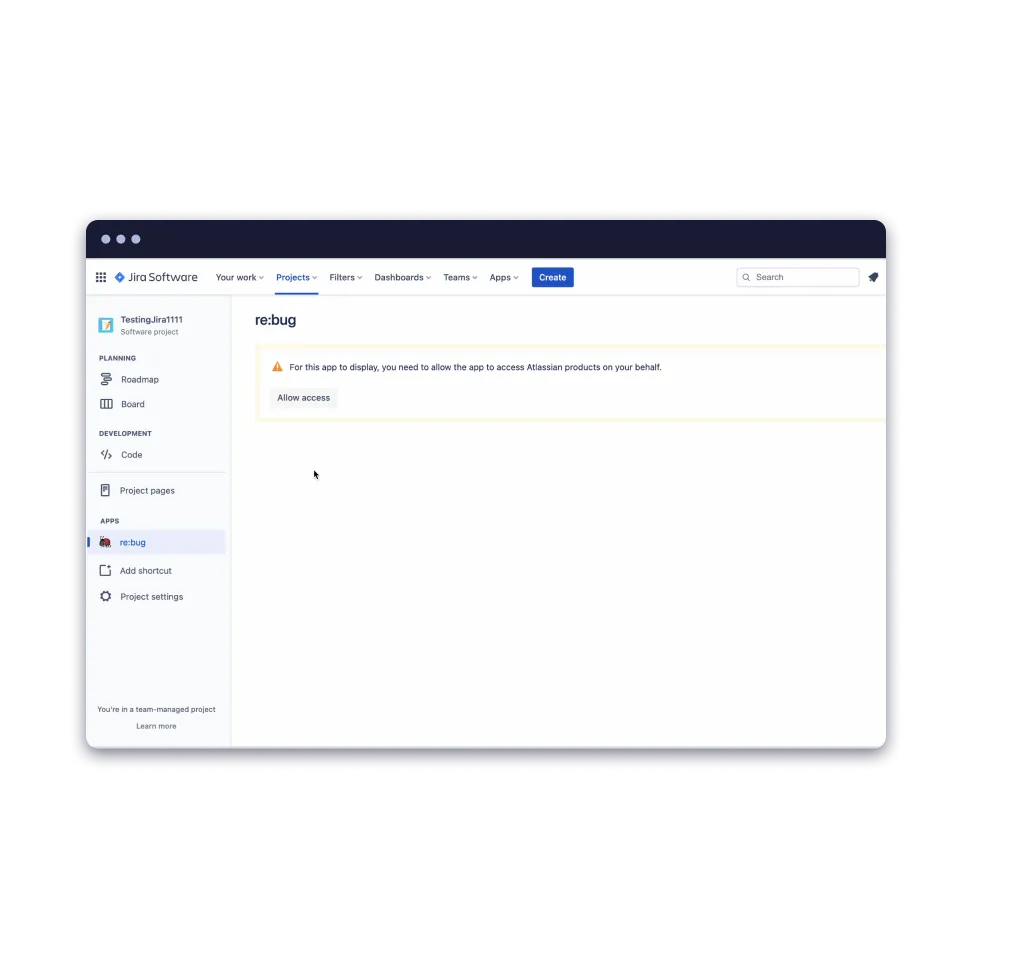
-
Step 4: Have your team download re:bug onto their devices
Empower your team: Download our tools for iOS, Android, Windows or macOS.
Download re:bug
-
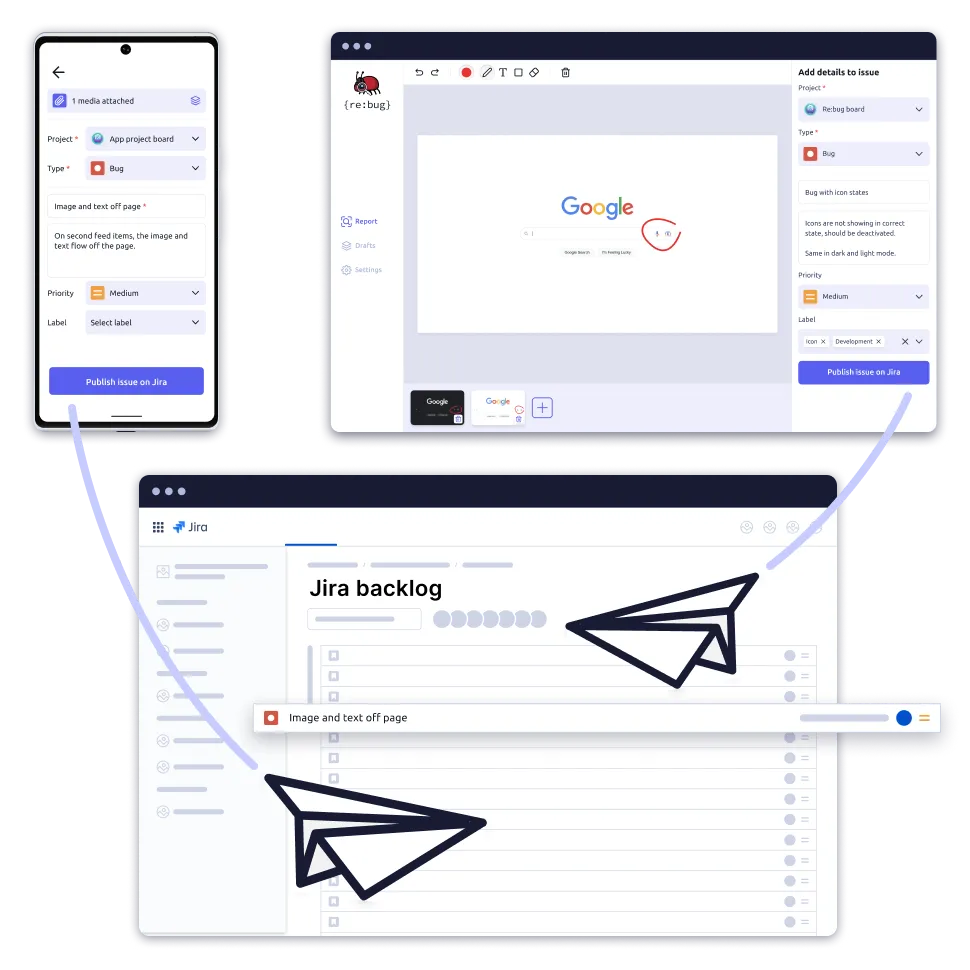
Step 5: As your team reports issues, receive them directly into your Jira backlog
Issues reported by your team in your workspace will now be sent directly to your Jira backlog.
Does your team need help getting started? Send them to our download page...
Encourage your team to explore re:bug for themselves to see its transformative impact on your team and their workflow.