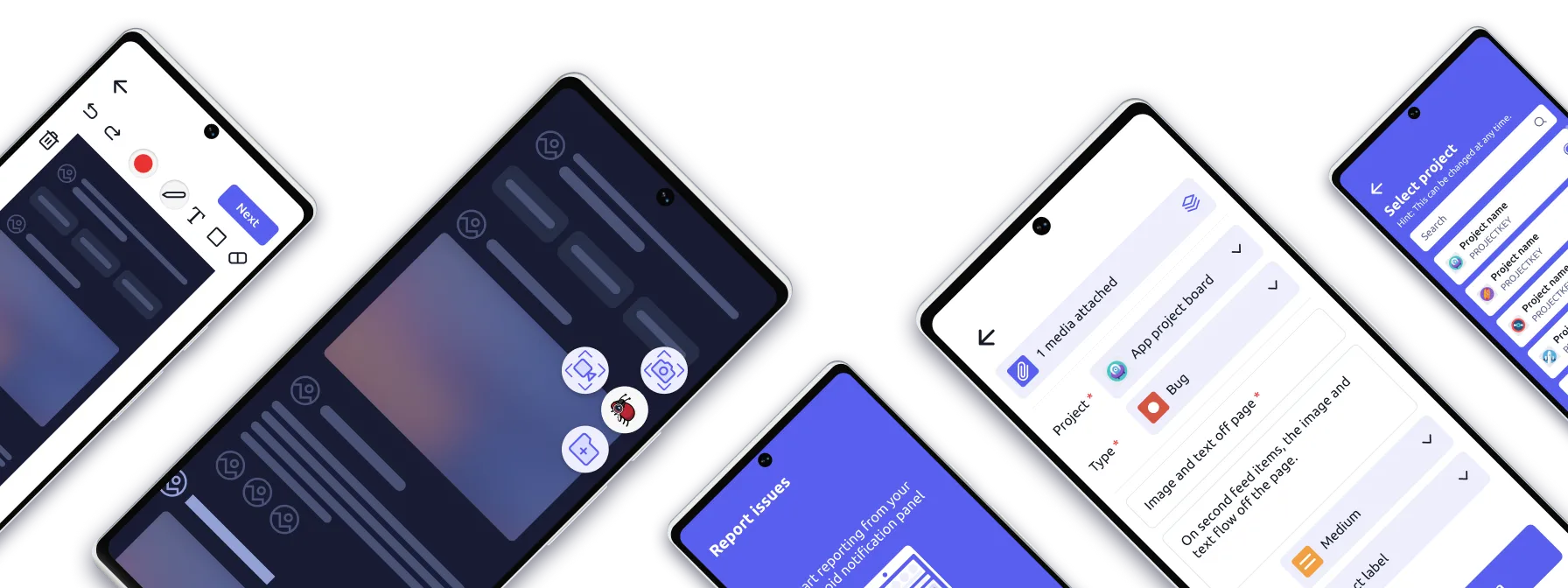
Bug reporting as simple as taking a screenshot
Quickly report bugs directly into Jira from any device or platform with just a few taps or clicks. No need to leave your device.
Get started with re:bug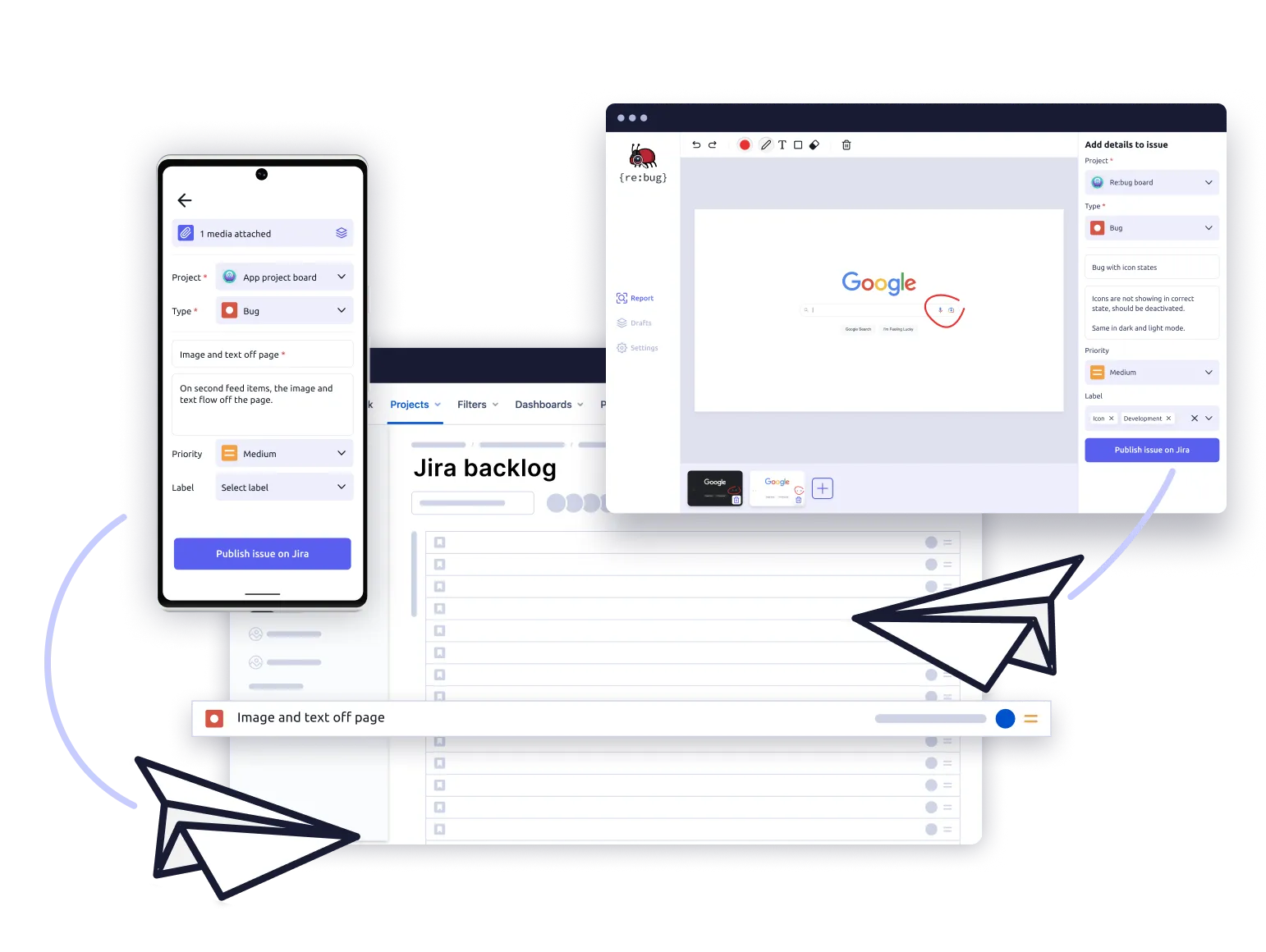
Trusted by startups, agencies and global enterprises









Streamline your bug reporting process
With re:bug, product teams can capture, annotate, and send bugs quickly and easily from any device or platform straight into Jira.
Capture bugs quickly
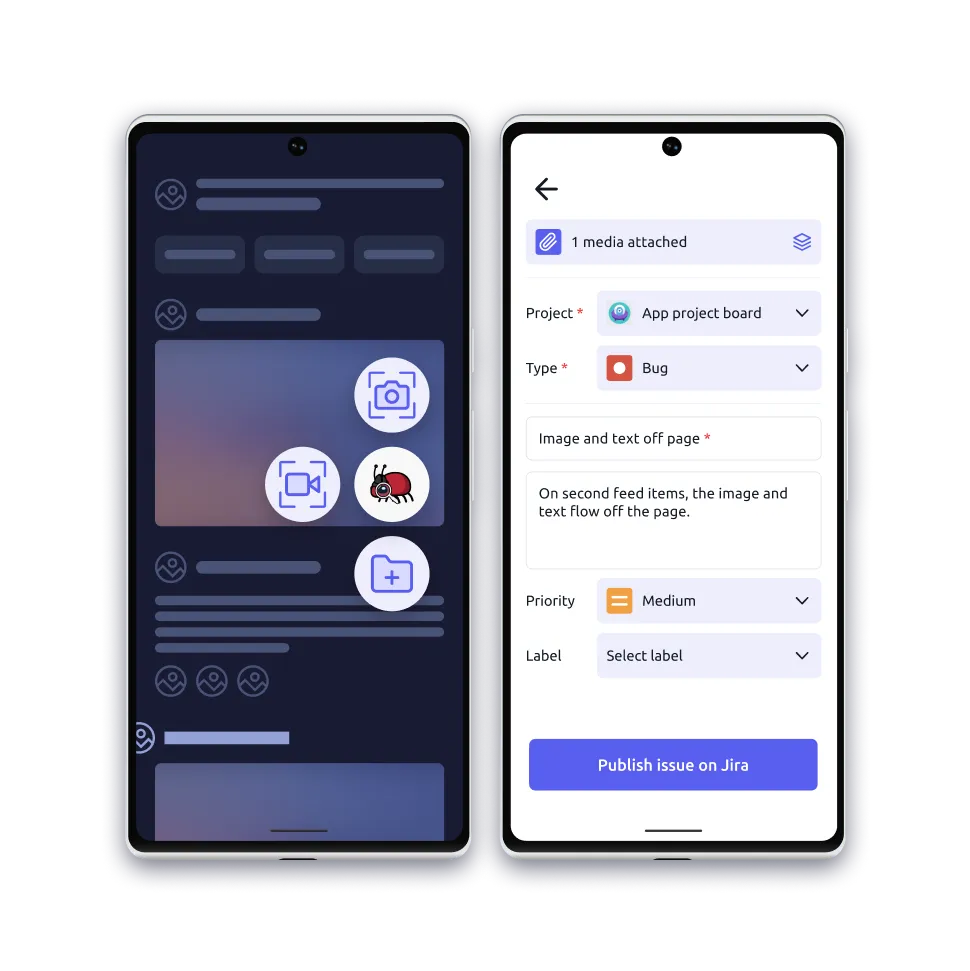
With re:bug, capturing issues is easy. Simply take a screenshot or video recording of an issue and generate a Jira ticket without leaving the device you're working on.
Communicate clearly
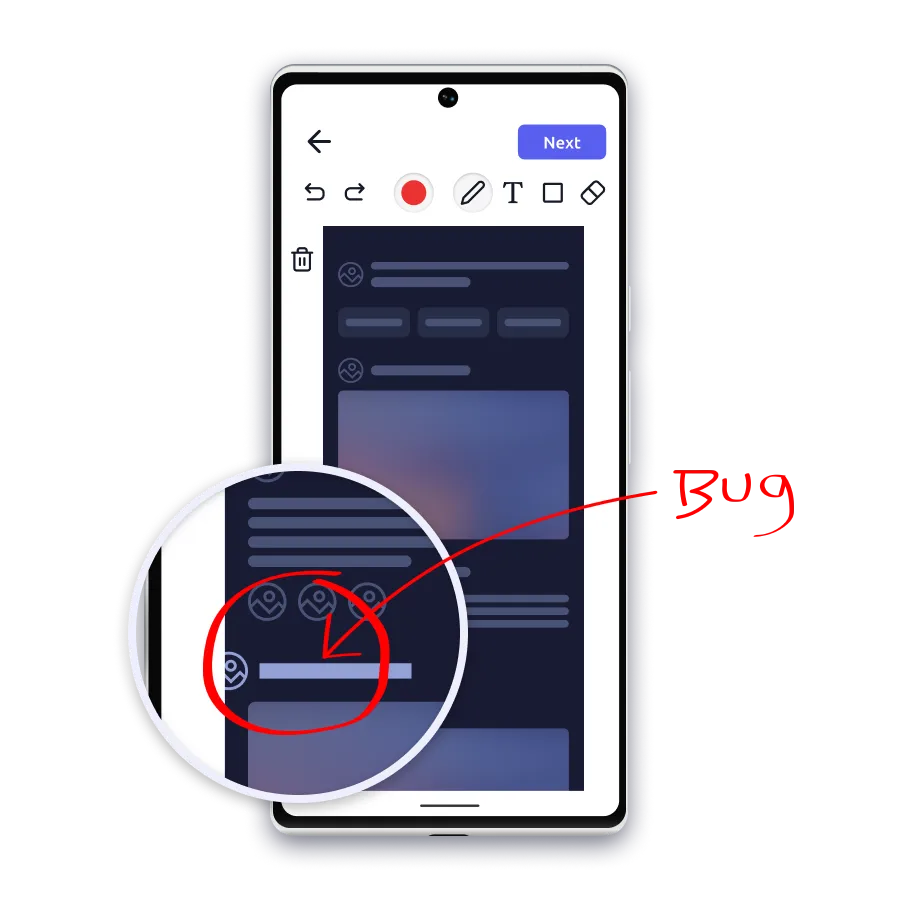
Reduce misunderstandings and improve the speed at which bugs can be resolved with re:bug’s built-in annotation tools.
Send straight to Jira
The real power of re:bug lies in its seamless integration with Jira. Capture issues on any device or platform and send them directly to Jira in just a few clicks or taps.

See how re:bug helps you capture bugs and seamlessly send them to Jira
With re:bug by your side, you can spend less time worrying about reporting issues and more time focusing on building great products.
Try re:bug now
Start with re:bug in just a few clicks. No credit card required
Try re:bug for free
Download re:bug to start your 14-day free trial
No credit card required
Experience how easy re:bug makes capturing bugs for yourself.
- 14-days free access to all features
- Link your Jira accounts to re:bug
- Create unlimited Jira tickets
- Capture bugs on Desktop, iOS & Android
- Peace of mind with Jira data security



After 14 days, make it official and get re:bug Premium Access.
Find out more below.
Features that make bug reporting simple
re:bug gives QA teams, designers and developers everything they need to capture, explain, and share issues clearly – without leaving their flow.
| Features | Android | iOS | Desktop |
|---|---|---|---|
| Publish reports straight to Jira in one tap | Yes | Yes | Yes |
| Send detailed bug reports by email | Yes | Yes | Yes |
| Use annotations to highlight, draw, or add notes so nothing is lost in translation | Yes | Yes | Yes |
| Upload screenshots, images, or short videos directly from your gallery/device | Yes | Yes | Yes |
| Share content straight to re:bug via the mobile OS share option | Yes | Yes | No |
| Add numbered descriptions to show exactly how the bug happened | Yes | Yes | Yes |
| Combine visuals and text for full clarity | Yes | Yes | Yes |
| Structured fields for title, description, severity, sprint, assignee, type, and labels | Yes | Yes | Yes |
| Consistent reporting format that works for QA, devs, designers and PMs | Yes | Yes | Yes |
| Use the floating widget (always accessible, even from the notification panel) to capture bugs without leaving your app | Yes | No | No |
| Use the system tray (always accessible) to capture bugs | No | No | Yes |
| Subscription flexibility via Stripe | Yes | Yes | Yes |
| Monday integration | Soon | Soon | Soon |
Get re:bug Premium Access
re:bug is a cost effective and flexible solution.
re:bug Premium Access
Get re:bug Premium Access for unlimited re:bug use
Choose the plan that aligns with your Jira workflow and team setup.
- Access for your account or Jira workspace
- Link your Jira accounts to re:bug
- Create unlimited Jira tickets
- Capture bugs on Desktop, iOS & Android
- Peace of mind with Jira data security
For enterprise
Whole Team Premium Access
$1 per Jira user/month
for unlimited Jira users

Are you a Jira Admin?
We know re:bug can be complex so we put together a quick guide to help:
Enabling team collaboration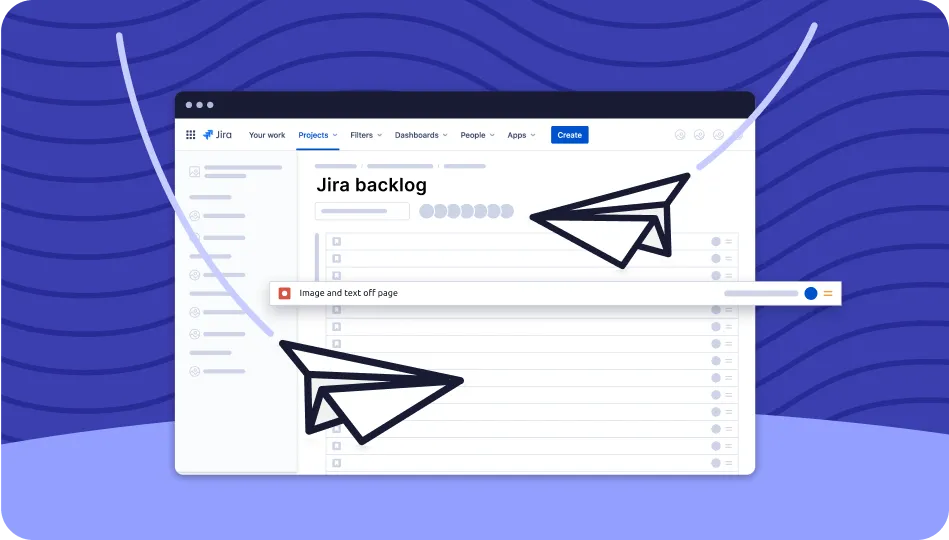
What our customers have to say
Our customers love the ease with which they can capture issues on any device or platform and send them directly to Jira.
-

“Highly recommended re:bug after using it within our QA, development, UX and UI teams for highlighting bugs and errors, and sending them to get fixed.
Adopting re:bug has streamlined our workflow, allowing us to abandon our old disorganised QA process, much less hopping between software.”
Tsahi Grinberg, CEO at ProdActive
-

“Re:bug has removed several burdensome steps for our QA Team. They are delighted by how quick it is and find the apps to be great tools for capturing bugs.
Re:bug has improved efficiency and helps us meet deliverables faster.”
Damir Milovic, CEO at Digital Atrium
-

“We really recommend re:bug for Product Design Agencies looking to streamline their process for review UI design errors or misinterpretations for developers.
Re:bug has improved our teams ability to coordinate effectively with software developers and allowed us to produce better results faster.”
Clinton Young, Founder of Brandborne
Safe, secure and confidential
To learn more about our commitment to data protection and privacy, please refer to our privacy policy.
-
Our platform only saves and stores issues and content in Jira

Our platform does not store any screenshots, videos, images or any other content.
-
Reported issues are encrypted by Jira to ensure privacy

As the back-end of our software is Jira, your data is encrypted by Atlassian itself.
-
Your personal data is never stored or saved by our platform

We do not store any personal information, personal data, or Jira activity on our platform.
Contact the re:bug sales and support team
We will always try to respond to your query within 24 hours.
We will not share your information or send you any marketing materials.
Frequently Asked Questions
What types of files and attachment can I upload to Jira using re:bug?
With re:bug, you can upload a wide range of file types and attachments, including images, videos, documents, and more.
When issues are published to Jira through re:bug, where do they go?
Issues published through re:bug are sent directly to your Jira Backlog.
Can I change the Jira project or workspace that issues are published to?
Absolutely! With re:bug, you have the flexibility to choose between and change the Jira project or workspace that your issues are published in.
What happens to my screenshots and recordings after publishing to Jira?
Once a bug is published with re:bug, the screenshots or recordings associated with it are published to Jira and automatically deleted from your device to ensure data privacy and security (NOTE: In iOS you will need to confirm the deletion).
Are there limitations on the size of attachments that can be uploaded?
Indeed, the size of attachments that can be uploaded with re:bug are subject to the specific constraints set by the Jira plan you have chosen.
Does re:bug offer capabilities beyond bug reporting?
Absolutely! In addition to bug reporting, re:bug enables you to create various other issue types on Jira, such as Tasks, Stories, Improvements and more.
Can re:bug collect logs from my app?
Unfortunately, the standalone re:bug app does not support the feature to collect logs. However, by using re:bug as an SDK (coming soon!), developers will have the option to incorporate this functionality into their apps.
What measures does re:bug take to ensure data security?
re:bug prioritizes data security by leveraging the robust security measures provided by the Atlassian API. Any locally stored data, such as tokens and keys, is encrypted and kept hidden from our system, adding an extra layer of protection.
Join our Slack community
Discuss, ask questions, suggest builds and share with others, alongside us at re:bug HQ.
Join our community